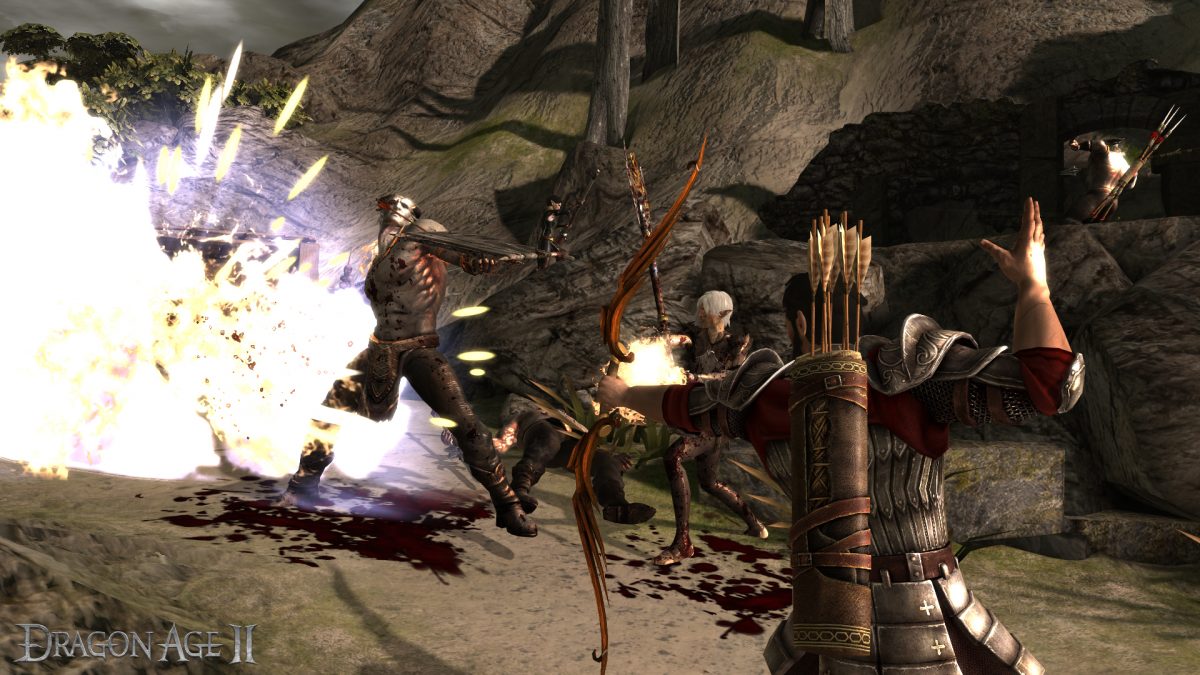
You will need to enable dev console for Dragon Age 2 before you can use any cheat code in-game.
Dragon Age 2 Cheats
In order to use cheat codes and dev commands in the game, players first need to enable the dev console which is explained below
Step 1
To enable dev console, open “KeyBindings.ini” file in the “Users\[your name]\Documents\BioWare\Dragon Age 2\Settings” directory. Change the “OpenConsole_0=” line to “OpenConsole_0=Keyboard::Button_`”.
Step 2
Right-click on Dragon Age 2 shortcut, and click on “Properties”, and then add the “-enabledeveloperconsole” command line at end of the “Target” field. Make sure you add space before the command line.
If you have your game installed in the default directory, it should look something like;
“C:\Program Files\Dragon Age II\bin_ship\DragonAge2.exe” -enabledeveloperconsole
Now, while playing Dragon Age 2, press ~ to open the console window. Once Dev Console is open, type any of these cheat codes and press enter for the desired effect.
Note. You will not see what is being typed and may need to press [Backspace] to remove the “`” character if it is present in the console window.
For Steam version of the game, Right-click the “Dragon Age 2” option, and select “Properties” under the “My Games” Steam tab. In the “General” tab, select “Set Launch Options”, enter “-enabledeveloperconsole” in that field, and accept it.
Warning: The console window might break your game by not letting it save properly. It may prevent your data from syncing at the Keep.
If it so happens, try running the game without the console enabled. If it still doesn’t save up, try making some changes with the character. That might force it to sync up.
Cheat Codes
While playing the game, press ~ to display the console window. Then, type one of the following codes and press [Enter] to activate the corresponding cheat function.
| Cheat Code | Effect |
| runscript pc_immortal | Invincibility |
| runscript addxp [number] | Add indicated amount of experience points |
| runscript addmoney [number] | Add indicated amount of copper |
| runscript healplayer | Heal player or party |
| runscript killallhostiles | Kill all enemies in an area |
| runscript zz_deathblow | Character animates a random finishing blow based on the current weapon |
| runscript bowlingforferelden | Knockback enemies and form a shield around you |
| runscript cheater | All achievements Unlocked |
| runscript dbg_setattrib [attribute] [amount] | Gives a 1-minute attribute buff. Add attribute and amount after the code without the brackets |
| runscript zz_dae_debug | Add any member to your party |
| runscript chargen mage [level] runscript chargen warrior [level] runscript chargen rogue [level] | Change your character to a Mage of the level you wrote Change your character to a Warrior Change your character to a Rogue |
| runscript zz_app_debug | Lets you adjust your companion’s Friendship level |
| runscript zz_upgrade | Access the enchantment window |
| runscript injury remparty | Remove all injuries from your companions |
| runscript zz_per_debug | Access Hawke’s personality and change it |
| runscript zz_supercrit player | Give you 1000 health, 1000 mana, 50 strength and 50 dexterity |
| runscript zz_supercrit gen00fl_(companion name in lowercase) | Give your selected companion 1000 health, 1000 mana, 50 strength, and 50 dexterity |
| runscript pc_immortal | Make your character immortal |
runscript dbg_setattrib [attribute] [amount]; When using this cheat, you’ll have to use a number for the attribute part; as attribute have designated number assigned to them for the cheat code. And also, for the amount that you want to raise them to is written as a number.
The designated attribute codes are;
Str 1, Dex 2, Mag 3, Cun 4, Wil 5, Con 6
For instance, if you want to improve Magic by 2, you’ll type
runscript dbg_setattrib 3 2
Where ever your companions’ name is required in the cheat codes, use only the first three letters of their name like, and for Anders, var for Varric and bet for Bethany.
If you face any issue while playing the game, read Errors, Crashes, Freezes, and Fixes for common workarounds.
