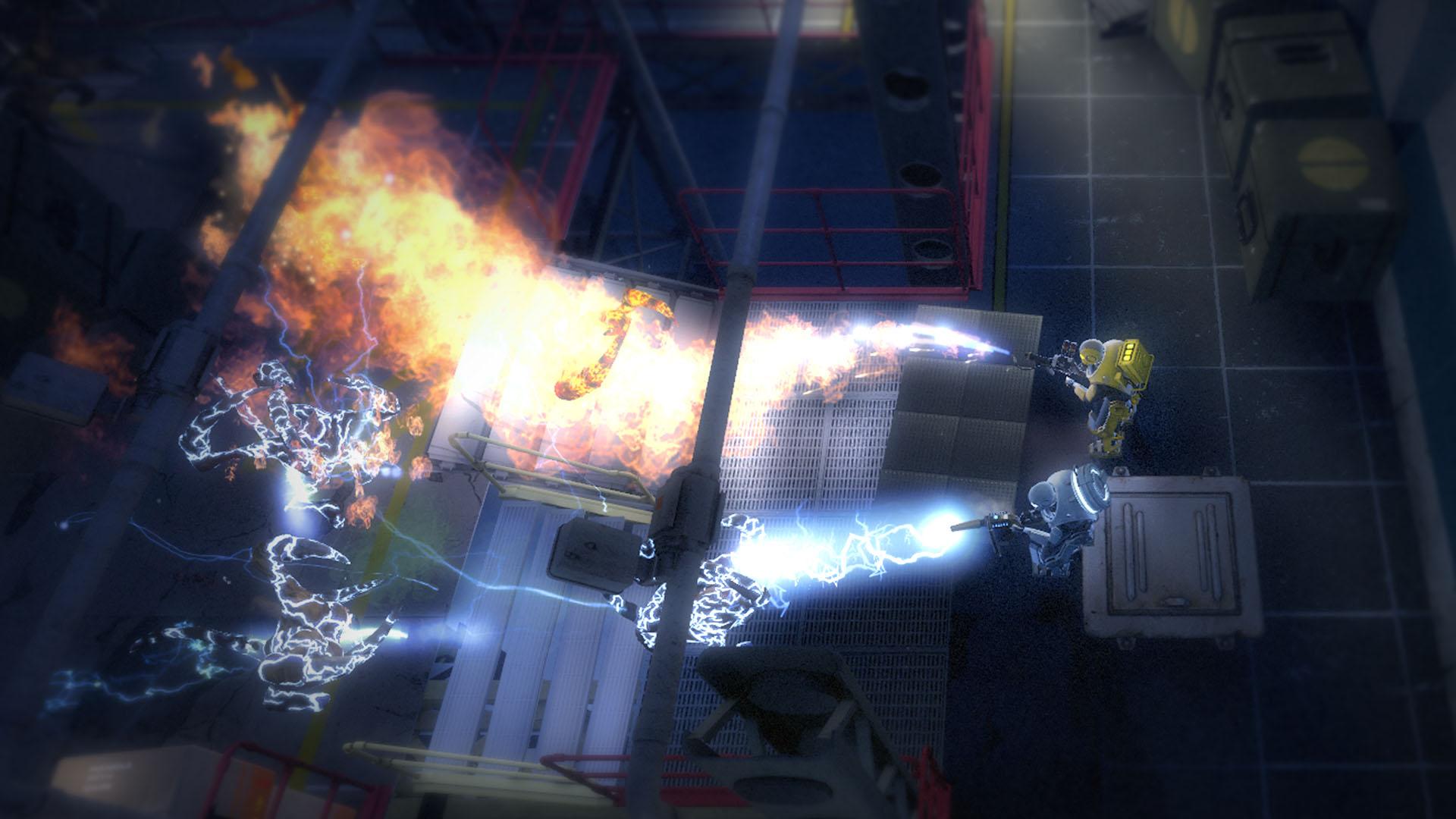
If you are experience game breaking bugs, crashes, and random freezes or any of other errors while playing Alien Swarm, you can follow our step by step recommendations to fix them.
Alien Swarm Launch Errors, Crash Fix, Missing DLL Files
Alien Swarm is a free shooter game developed by PC Modders: ‘Black Cat Games’, and was originally intended to be a mod to Unreal Tournament 2004. The game has since then been officially supported by Valve and released as free-to-play game on Steam since 2010.
Alien Swarm features 4 player co-op multiplayer, and supports dedicated server, the game SDK was released with the game and a lot of mods have been released in the game.
Meanwhile players, who have downloaded the game, are facing many errors, freezes, and bugs as the rush to download the game has caused a lot of people to miss some game files.
You can follow the fix guide below for alien swarm crash fix and other problems.
Alien Swarm Out of Range Error
Right click on ‘Alien Swarm’ in Steam -> Properties -> “Set launch options”.
Add “-w 1024 -h 768 -refresh 60”. Run the game, and change video settings in game options to this resolution and refresh rate. It happens because your monitor doesn’t support default resolution.
You can replace -w with your default screen resolution width and h with your default screen resolution height. Remove the launch options command after you have changed the video settings in-game.
‘Failed to create D3D device’
This error can be resolved by using the Out of Range error fix. If it still doesn’t fix the issue, check if your drivers are up-to-date or if your video graphics card supports this game.
“Engine Error Model models/gib/hgibs.mdl not found and models/error.dll couldn’t be loaded” error
Verify integrity of game cache. Right click on ‘Alien Swarm’ in Steam > Properties and Local Files, > Verify Game Integrity of Local Files”.
Can’t Find Background Image
When you launch an error, it gives this error and game needs to be closed. Right click on the game in Steam Library, go to properties, local files and verify cache files.
Unable to Load any .dll file
Verify integrity of game cache. Right click on ‘Alien Swarm’ in Steam > Properties and Local Files, > Verify Game Integrity of Local Files”.
How to forward ports?
You need to port forward these ports, 27015, 27005 and everything will work fine, all connection issues resolved.
Game doesn’t start
Try running the game as admin, or in Windows XP SP2 compatibility.
nVidia Users: Graphics Issues
Update your graphics to at least 185 version, or downgrade to 185 and the game should work fine again.
Alien Swarm Freezes With a Grey Screen
It has happened randomly with few people on ATI cards, it seems as if it is specific to ATI cards, but sadly there is no fix as of now.
Alien Swarm Launcher Error
When you launch the game it gives error “Failed to Load the launcher DLL:(null)”
Restart Steam.
Restart Computer.
Go the folder and launch the application directly.
Validate integrity of game cache.
If that doesn’t work, try this:
Go the folder in your steam index/common/alien swarm
delete the Type. file “srcds_run” and then re-validate the integrity of game cache.
Alien Swarm Freezing Bug on Training Mode
When you start the training mode, the game freezes to cause the black screen of death. It doesn’t crashes but eats all the resources until you kill the process. The possible solution to this issue is update your graphic card drivers. Or try ALT + Enter to switch to window mode and it will fix the problem.
Engine Error
‘MXR_LoadAllSoundMixers: unable to open ‘scripts/soundmixers.txt’
Update your sound card drivers and see if it helps. Also verify the integrity of the game files as due to high demand of this game certain people have broken game files, which may be the reason to this error.
Alien Swarm Stuttering Issues
If your game freezes after a few seconds of the gameplay, try disabling multicore rendering and see if that helps. If it doesn’t, try running the game on lowest settings possible.
Alien Swarm DirectX problem
Before applying this fix, make sure you have at least DirectX 9.0c installed. If you do, and the problem persists:
Open Steam, log in (Can’t play with logged out.)
Go to C:\Program Files\Steam\steamapps\Common\alienswarm‘
Double-click on alienswarm.exe, or make a shortcut of that file. Double-click on the shortcut.
Now you can play.
Unable to Establish Connection to the game, even after 10 tries
Servers are really busy, or down. visit Alien Swarm forums to see any updates/news.
Alien Swarm: Missing HUD
Those of you playing the game on higher resolutions or in ‘wide-screen’ might face this bug, which may seem as if your curser has vanished and life bars on all of your team mates have gone missing.
Try opening swarm/scripts/HudLayout.res and increasing the “wide” value for the “ASWHudCrosshair“.
Alien Swarm Black Screen Error
When you launch the game you come across black screen of death, you can hear the sound but can only see black screen. You know what you need to do right ? force the native resolution and refresh rate in the steam command line. This should also help with the alien swarm crash fix.
No Audio Input through the Microphone Bug
Lot of people reported this issue while playing the game: players can hear other people’s voices but others can’t hear their voice. This should be an audio driver issue. Look for “Stereo Mix” in the recording options and turn it off.
Alien Swarm Connection Problems
If you are having problems connecting to games via match making system, try this workaround:
Open the console and type bind “F11” “openserverbrowser”.
Close console and press F11
Use the server browser as you would in any other game, sort by ping/players.
These connection issues usually occur if you are connecting to high ping servers.
nVidia users: Blue Screen Freezes
The issue is usually common for nVidia card users, try downgrading to 185 driver version or to the 197.45 driver version.
Custom Battle Music Fix
Try removing any embedded album art from the MP3. A good program to do this is mp3tag. Make sure to remove the mp3 in game, exit/restart the game, then read the “fixed” mp3.
The game randomly selects one of the mp3’s, if it selects the one without album art, it will play fine and if it selects one with album art, it wouldn’t play anything not even the default battle music.
Alien Swarm Banned From Server?
If by any chance you get banned while playing Alien Swarm online, you can try this:
Open‘banlist.txt
It should be in :C:\Program Files (x86)\Steam\steamapps\common\alien swarm\swarm
Delete the contents of the file when you find it. It should have you, and your IP on it. After saving the banlist.txt file, restart the game.
